



Today’s opening hours: Universitätsbibliothek from 8:00 to 21:00 o’clock · Teilbibliothek Mil: now closed · Teilbibliothek Jura: now closed
Citavi is a literature management programme that allows you to store and structure bibliographic reference and text passages that you wish to remember or quote in your work. As you write your text with Citavi, the programme inserts source details and the bibliography. Citavi supports you in all steps of your scientific work – whether you are writing a seminar paper, your bachelor’s or master’s thesis, a paper, your doctoral thesis, or a monograph.
The HSU library has licenced the Citavi Desktop for Windows version and the Citavi Web version for all HSU members. Requirement: a valid library account and a Citavi account.
Citavi allows you to search for literature on your topic directly in many library catalogues and data banks and save it just with a click in Citavi. Use the Citavi Picker to easily import literature and other information from the Internet and from PDF documents. For existing literature, entering the ISBN or Digital Object Identifier (DOI) is sufficient to allow Citavi to compile and store all information. Citavi stores the bibliographic references in a literature list in the “References” programme part. The list contains all source information.
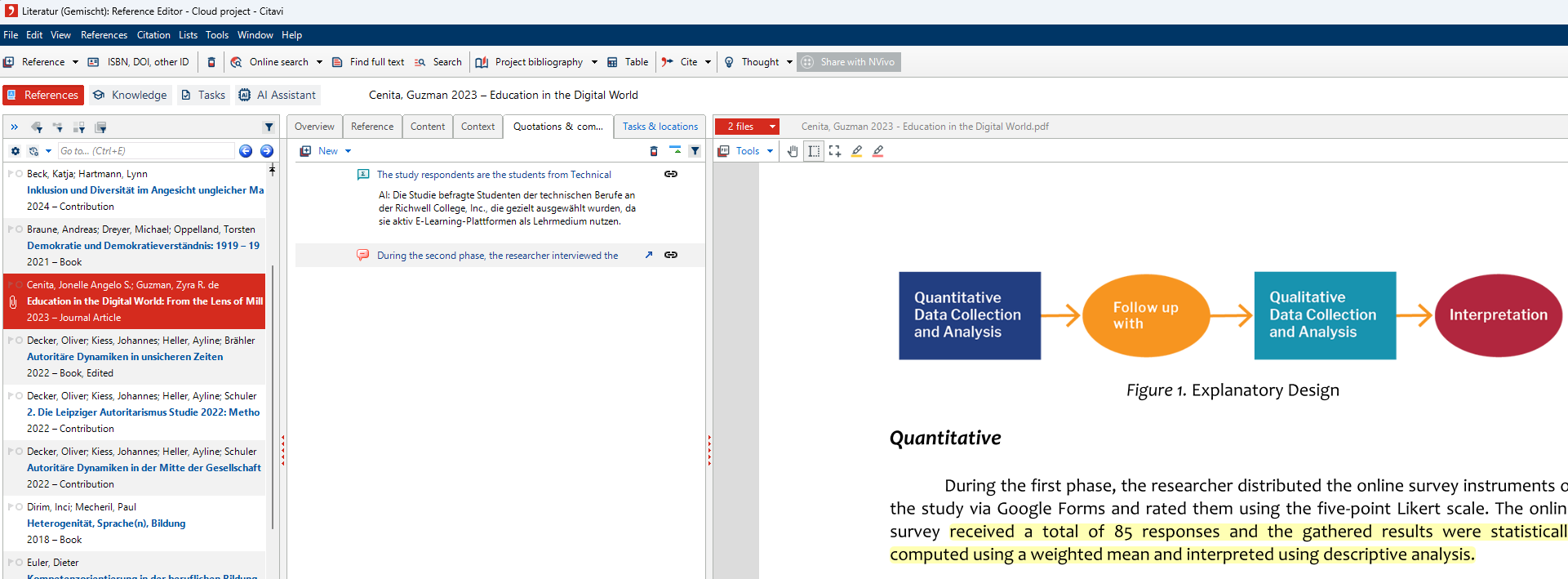
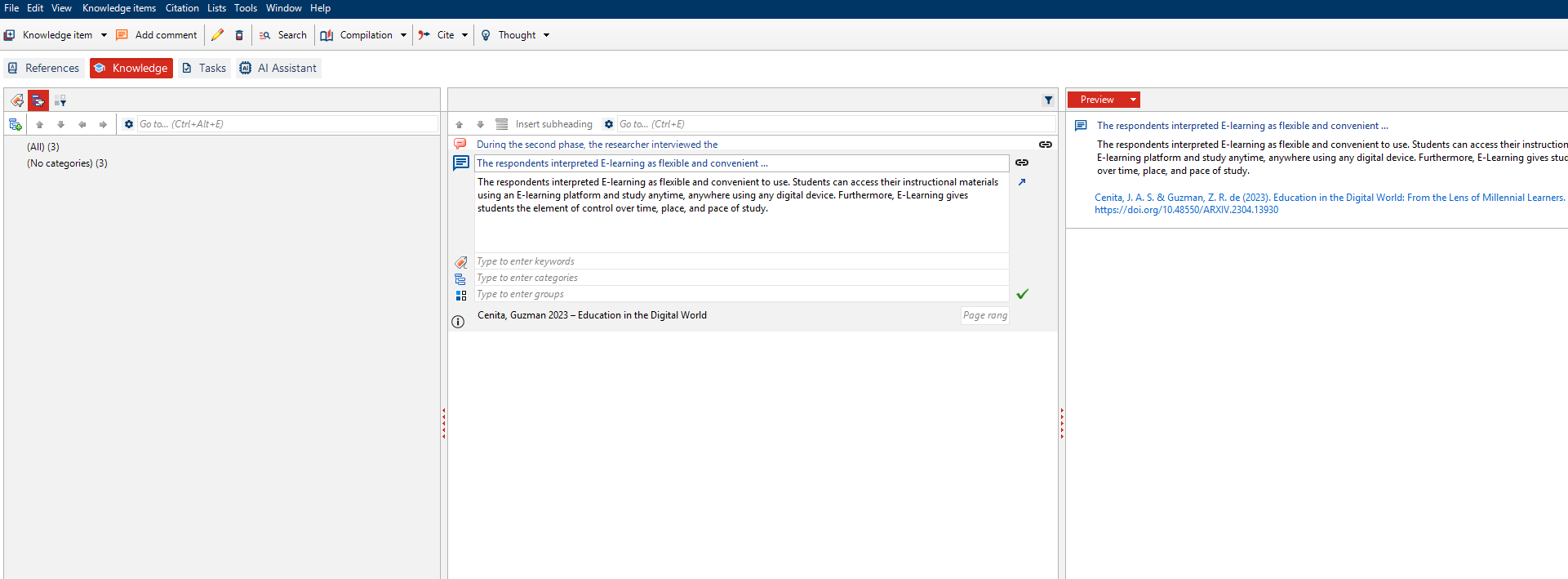
In addition to bibliographic references, you can also store text passages and graphics in Citavi, which you want to use as citations in your work. Structure them using categories, groups, and keywords. If the literature is available as a PDF, take image and text citations directly from it, or simply mark interesting text passages.
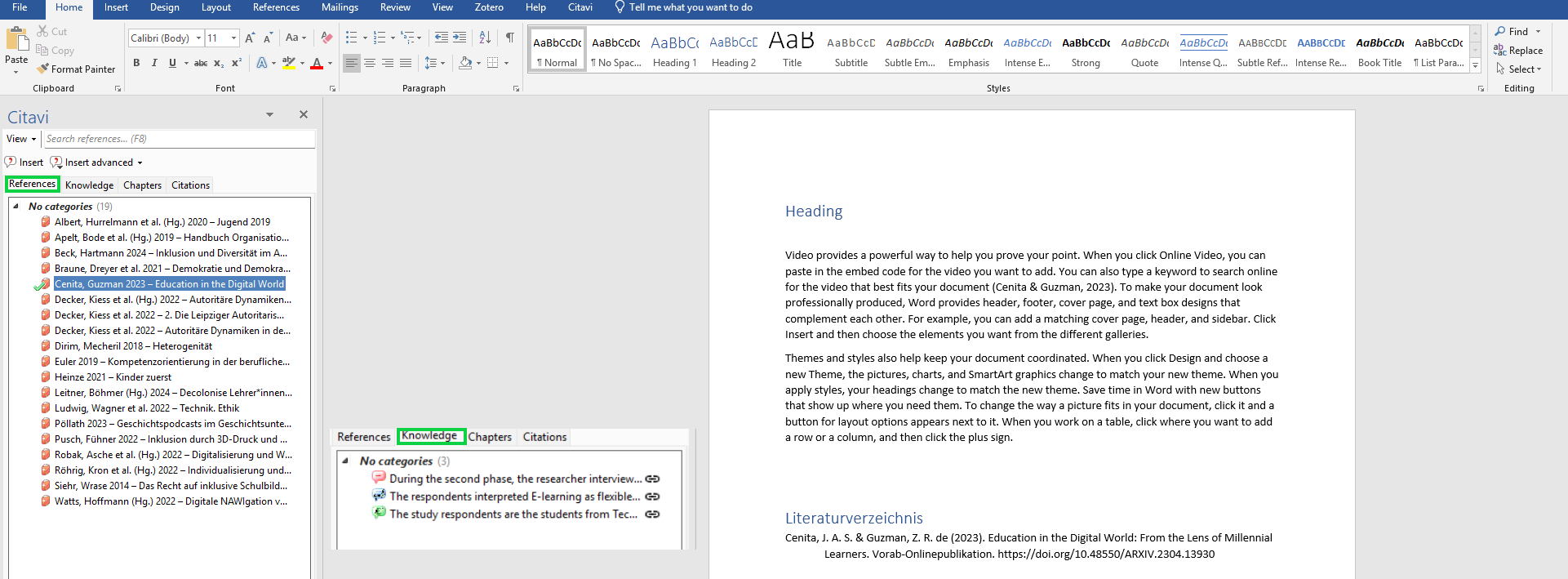
Citavi can be used together with almost all word processing programmes, including LaTeX editors. Add your stored bibliographic references and citations to your text with a click. Citavi will then automatically create compliant bibliographic references and a bibliography. To do this, select the citation style you need. You can choose from more than 11,000 citation styles based on specifications of specialist journals, universities, publishers, etc.
HSU members will receive their licence data via their Citavi account. One-time registration is required.
1. Select HSU via “Continue with university” and register with your library ID.
2. Then you can view your licence data in your Citavi account.
3. Now start Citavi and log in with your Citavi account. Citavi will then automatically obtain the licence from the Citavi servers.
Nothing else is required then to enter the licence data.
The licence data are valid for one year until 30 April 20xx.
The licence data apply to both Citavi for Windows and Citavi Web.
You will receive an email notification from Citavi in good time when the updated licence data are available in your Citavi account.
Start Citavi and log in with your Citavi account. Citavi will then automatically obtain the licence from the Citavi servers.
Nothing else is required then to enter the licence data.
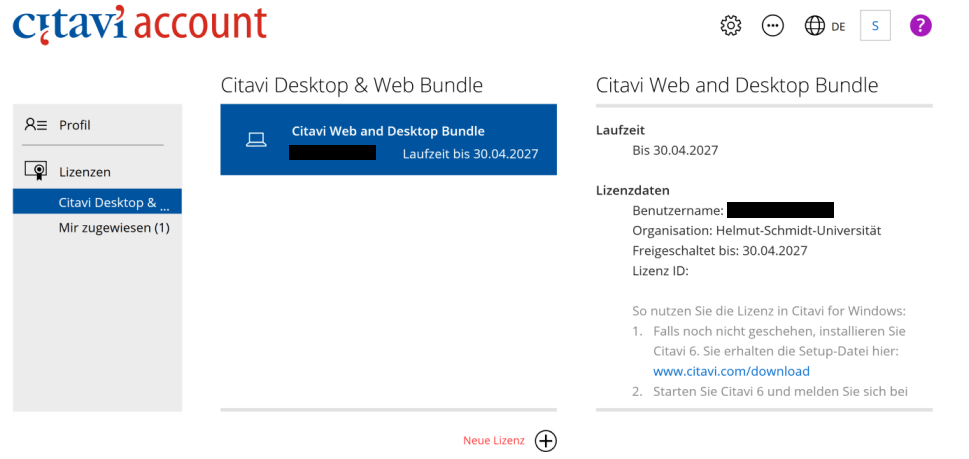
View your license information in your Citavi account. If the license has been successfully stored, you will see the following account view:
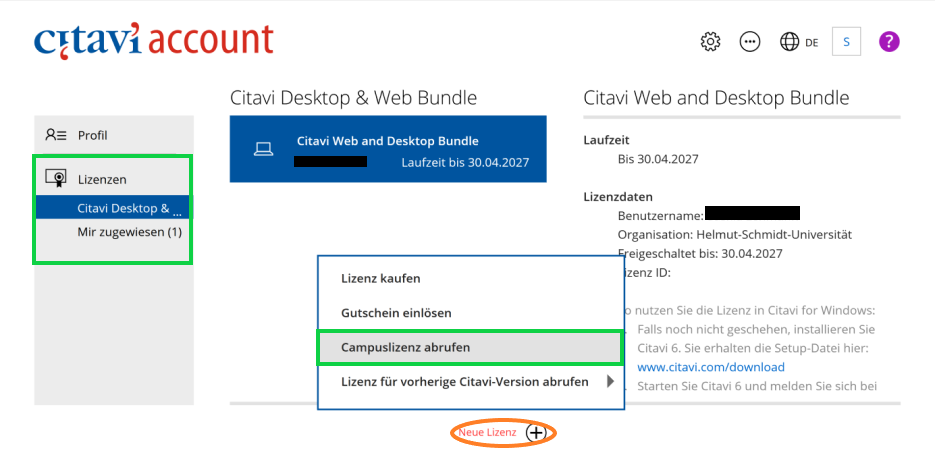
Your Citavi licence may not have been successfully saved. In this case, you can also retrieve your licence retrospectively. To do so, follow the instructions below:
The Citavi Desktop version can be downloaded and installed directly from the Citavi Website.
There is no Citavi installation variant for Mac devices. Nevertheless, you can use your licence data with Citavi-Web. This is a web version of Citavi, which can be accessed from different browsers. Log in using the data of your Citavi account.
There is always 1 GB of storage space available in the Citavi cloud.
Currently, all HSU members have access to up to 5 GB of storage space in the Citavi cloud.
By the library
By Citavi
Material for Citavi 6 (largely applicable to Citavi 7)
The library regularly offers workshops for HSU members. They take approximately 90 minutes each and take place in the training room of the Teilbibliothek Mil (military branch library) in building H1 on the ground floor.
Depending on your previous experience and the device you are working with, select the suitable workshop:
We are also happy to conduct the workshops online via MS Teams or to arrange appointments for smaller groups. Please contact [email protected] for an individual appointment.
If the HSU library renews the licence for another year, Citavi will send you an email with the licence renewal information.
Access to your Citavi projects is possible without renewal of the licence. The projects can, however, no longer be processed.
For more information, refer to the Citavi manual.
Click on the link in the Citavi licence renewal email. This will lead you to your Citavi account.
Select the “Licences” item. Then click on “Confirm membership”.
Under “Confirm membership”, select the link “New login to your Citavi account here”.
Now log in with your Computing Centre ID or your library ID to confirm your HSU membership.
Your Citavi licence will then be renewed. The licence data will be obtained automatically via the Citavi server.
Nothing else is required then to enter the licence data.
If you have any questions about Citavi, we will help you.
Karina Lubig 040 6541 – 3281