
Today’s opening hours: Universitätsbibliothek from 8:00 to 21:00 o’clock · Teilbibliothek Mil: now closed · Teilbibliothek Jura: now closed


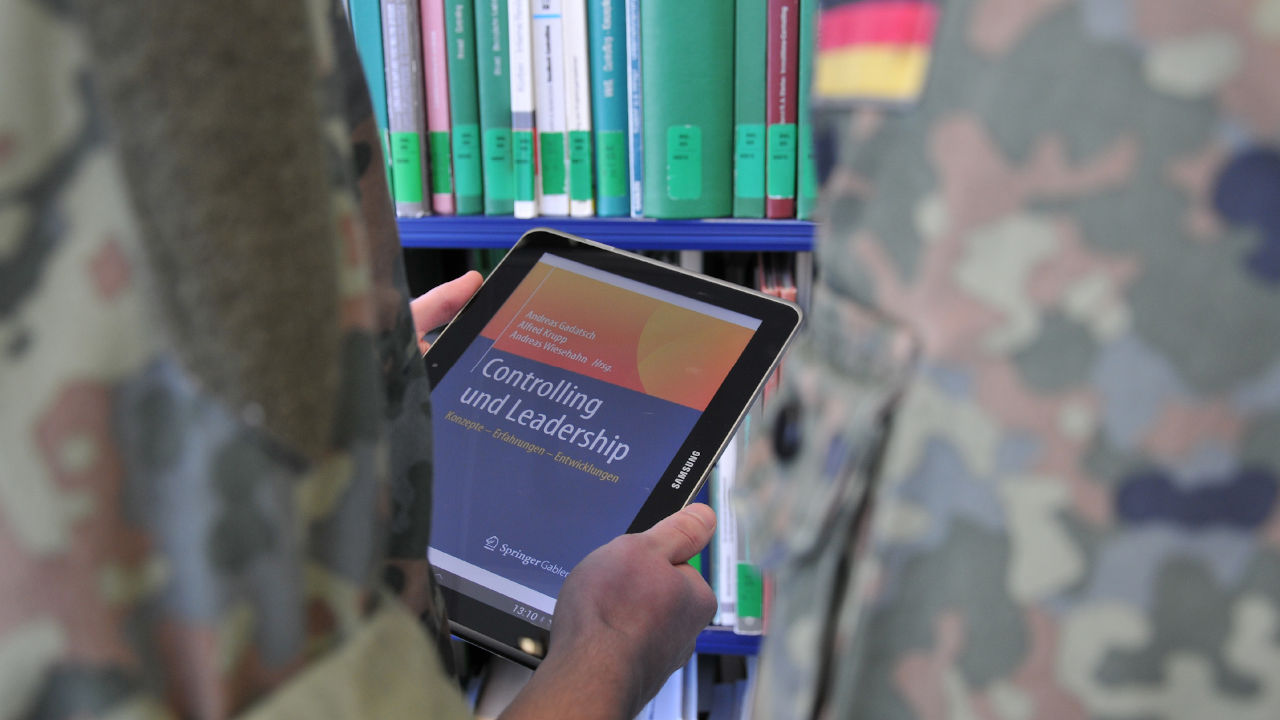
The university library provides access to over one million licenced electronic resources (e-books, e-journals, databases). Start your literature search by clicking the menu item search.
Many scientific documents are not freely available online but have been purchased by the university library. You can only access these documents with a library account. Open Access publications, however, can be used without registration.
To access licenced e-media, you must identify yourself as a member of HSU or as a university library user. Please note that registration outside the campus is only possible for HSU members.
You can access all licenced media on campus.
Use the computers in the library or register as a member of HSU with your Computing Centre ID (RZ-Kennung) to connect to WiFi. Another login, e.g. via Shibboleth, is not necessary.
Non-HSU members require a library account to use the computers.
HSU members have two options to open e-media at home.
Non-HSU members do not have access off campus.
Requirement for use is a valid library account.
Many e-resources offer the possibility to identify yourself as a university member on the respective website using the Computing Centre ID (RZ-Kennung) or library ID. Use the HSU-Login so that you only have to log in once.
Alternatively, you can log in individually on the websites of the respective providers. Do not use the personal login, but search for terms such as “institutional login” or “login via your institution” or “login via Athens/Shibboleth” and select HSU.
In addition to the e-media licenced by HSU, HSUfind also identifies freely available literature.
Open Access stands for free scientific information that is accessible to everyone worldwide – without financial, legal and technical barriers.
The university library has no influence on the availability of external Open Access contents.
If you are unable to access an e-resource (e.g. a page error or a purchase offer instead of the e-book), there may be several reasons for this.
Possible error source
Suggested solution
Login via Shibboleth or VPN shows an error or is not possible.
Restart your connection and, if necessary, the browser. Make sure that all cookies are deleted.
You may not have a library account.
Using Shibboleth requires a library account. Have an account set up (library user regulations and registration).
Old cookies block access.
Bypass old cookies in the browser by using a private window or another browser. Delete old cookies, if necessary.
You have opened a database through a search engine such as Google.
Open the databases via DBIS to make full use of them.
The e-resource has not been licenced by the university library.
This happens if you do not search via HSUfind, but in databases or directly with the e-book providers.
If required, submit a purchase suggestion.
There may be an error on the part of the provider.
Report the error via email to [email protected], indicating the title.
You are not a member of HSU.
Use the computers in the library to access e-media.
If you need further assistance or have any questions, please contact the information desk (contact us).